
Windscribe
Tools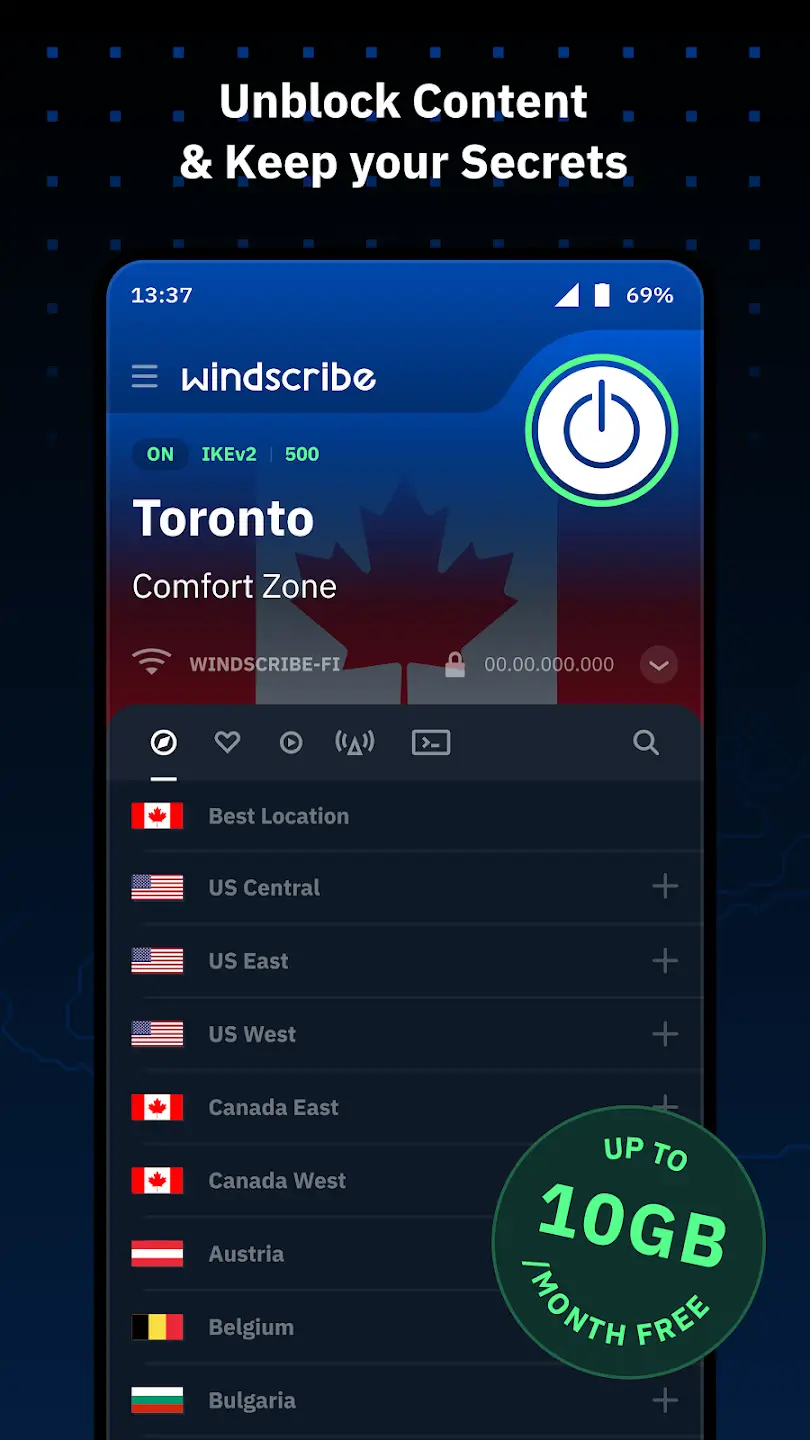
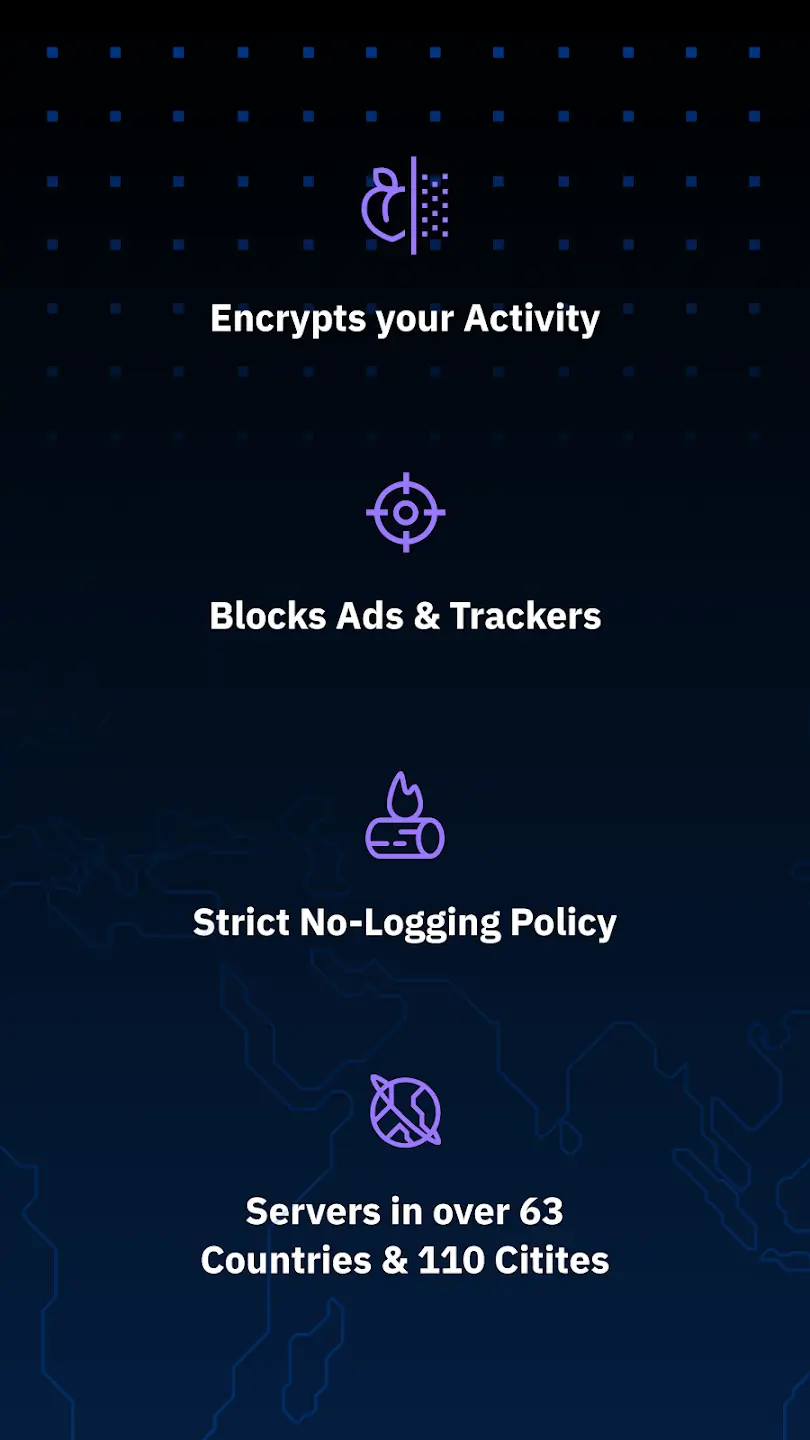
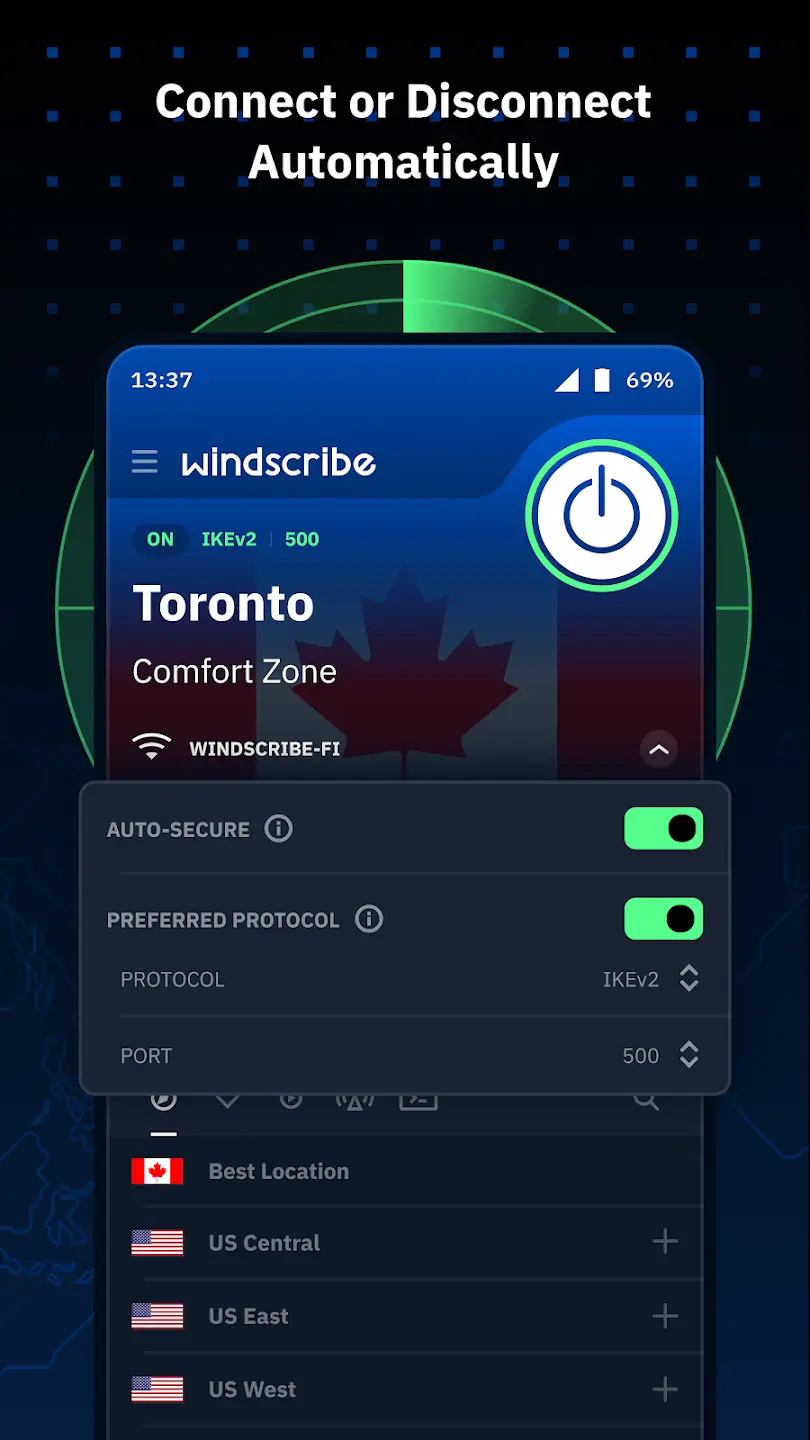
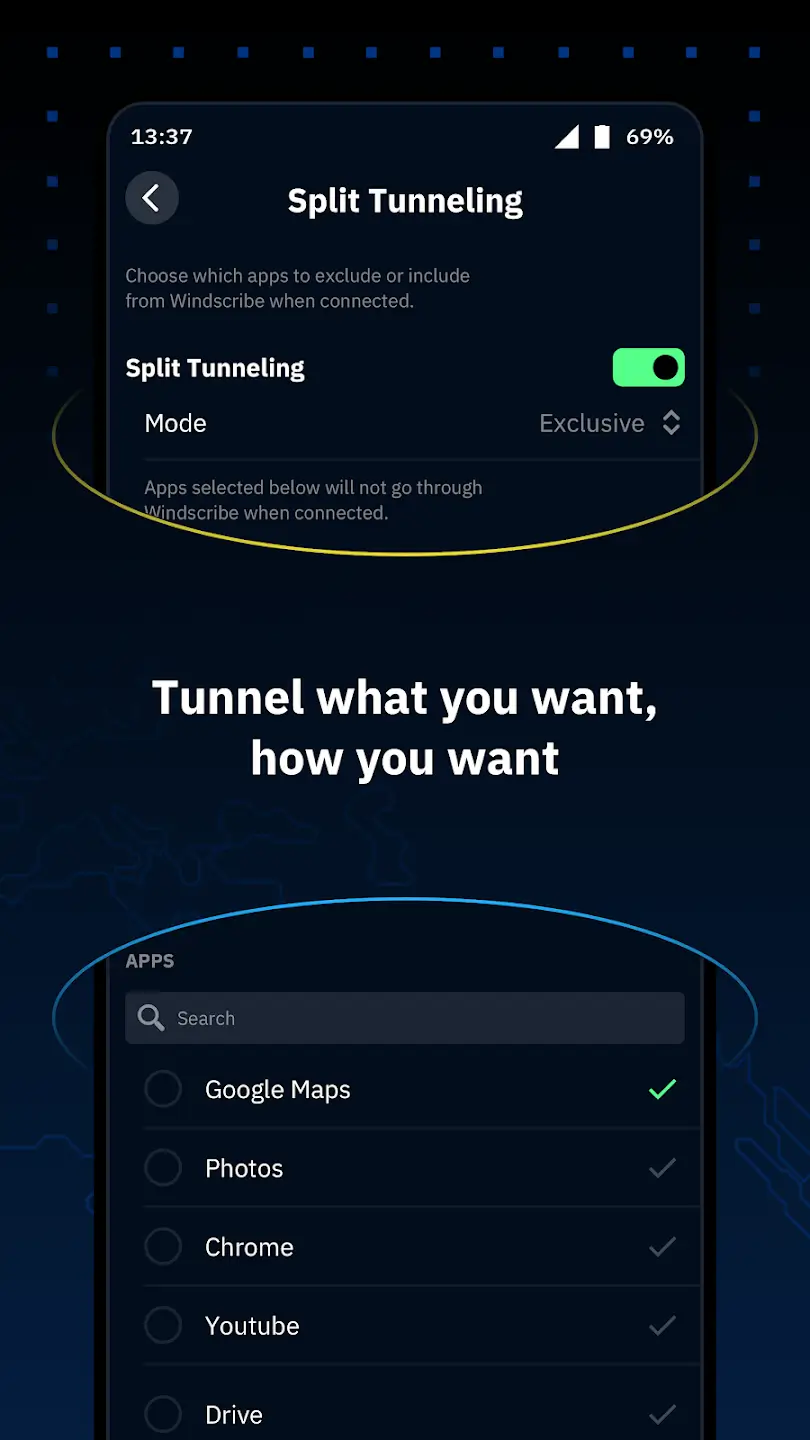
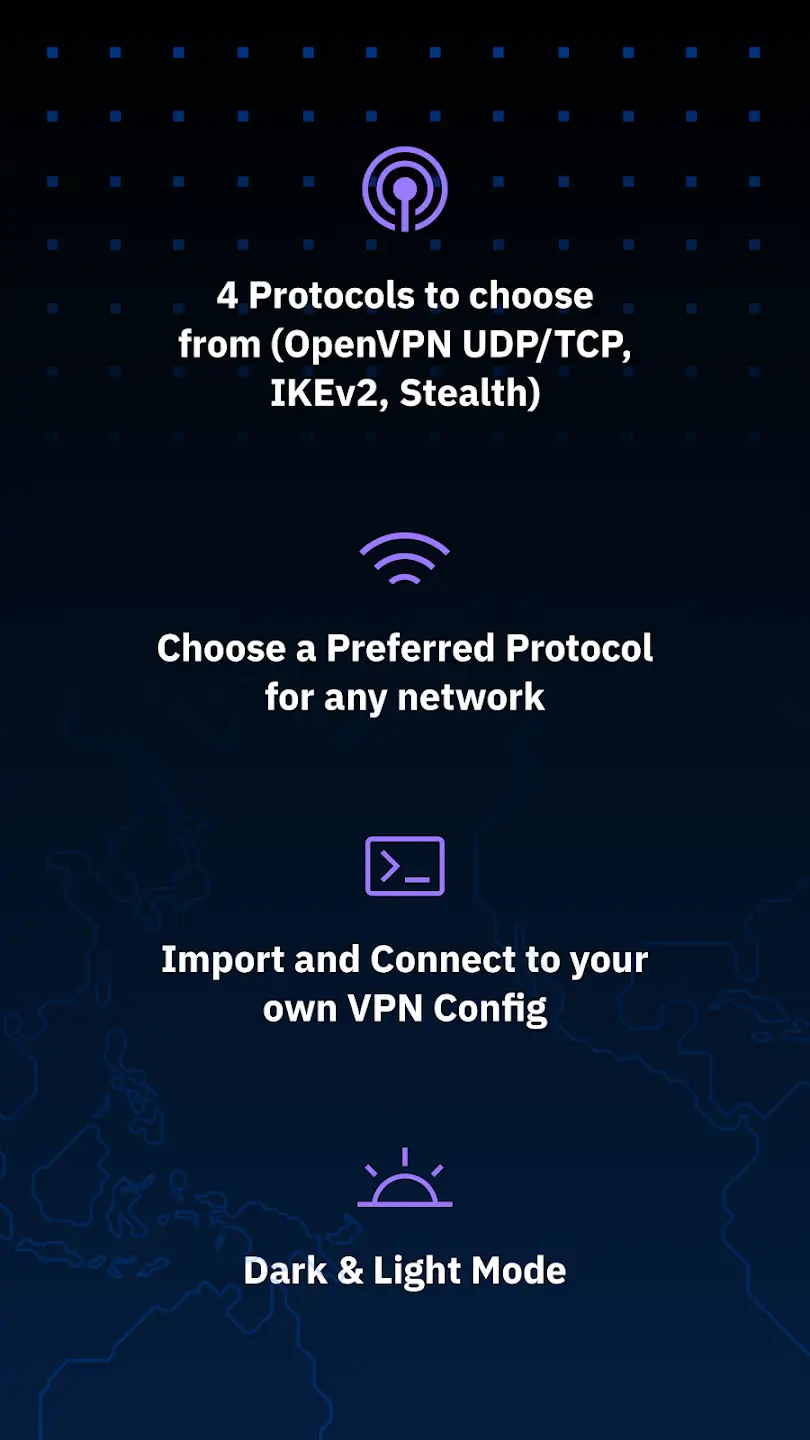
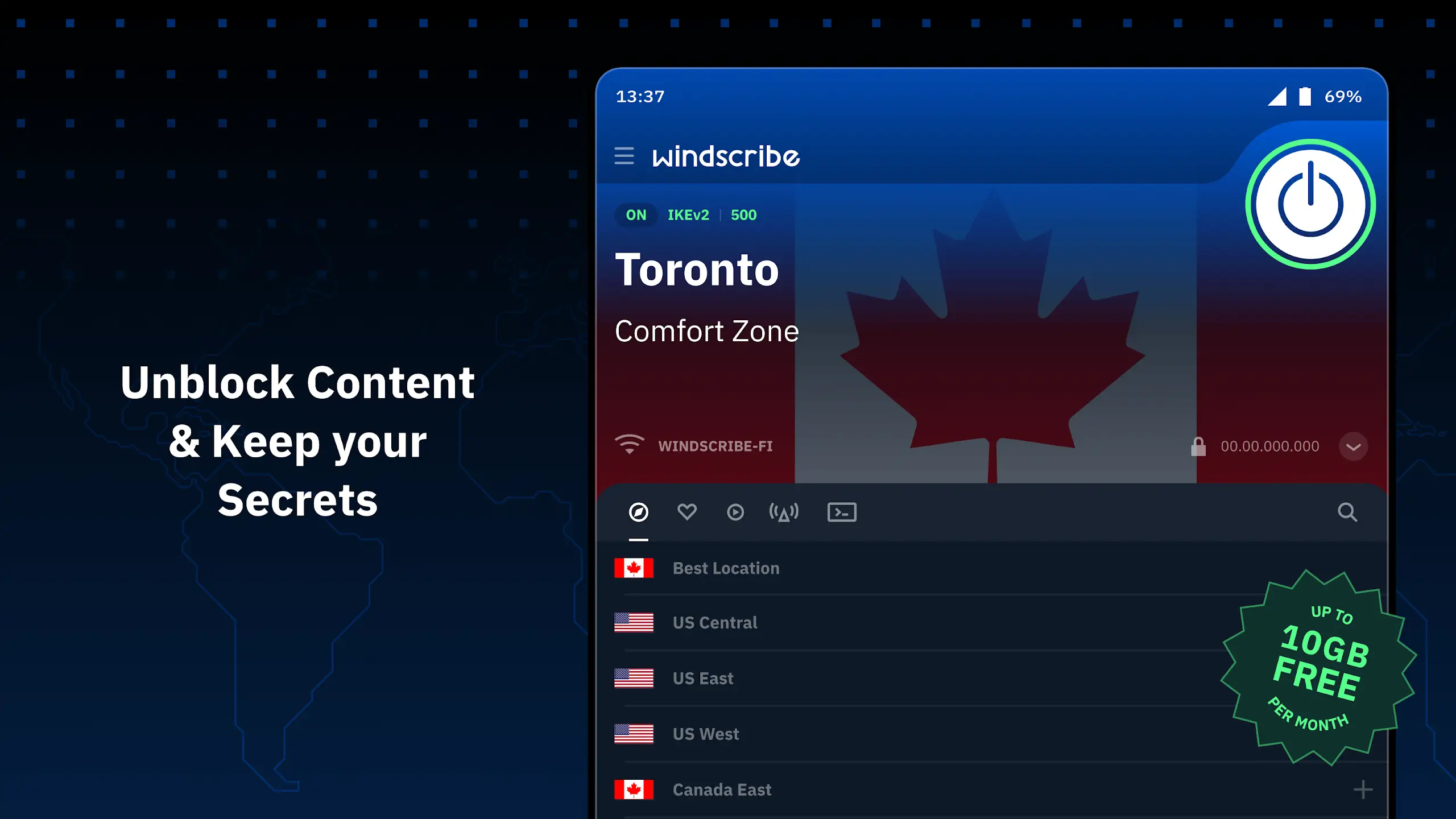

Windscribe is an Android VPN app that creates an encrypted tunnel for your internet traffic, masking your IP address and protecting your privacy on public Wi‑Fi or any network.
This page gives you the most recent Windscribe APK (v4.3.2360), a step‑by‑step install guide, common troubleshooting tips, and safety advice so you can decide whether it fits your needs.
Whether you travel often, work remotely, or simply want to keep your browsing data private, Windscribe offers a straightforward way to secure your connection without requiring root access.
Quick Information
| App/Game Name | Windscribe |
| Latest Version | 4.3.2360 |
| Developer | Not listed |
| Category | Apps / Tools |
| App Size | 92.79 MB |
| Package Name | com.windscribe.vpn |
| Last Updated | 1 October 2026 |
What Is Windscribe?
Windscribe is a virtual private network (VPN) service for Android devices. Its core purpose is to encrypt all outbound traffic, hide your real IP address, and let you appear as if you are browsing from a different location. The app includes basic privacy tools such as a firewall to block unwanted connections and optional ad‑blocking filters. It is aimed at users who need a quick, no‑frills solution for online privacy and unblocking geo‑restricted content.
Compatibility
| Android Version | ✓ Verified — 5.0 & Up |
| Architecture (ARM64 / 32-bit) | ✓ Verified — Supports common device architectures |
| Internet Connection | ✓ Verified — May be required for ads, updates, or login |
| Storage Needed | Not Verified |
| OBB/Data Files | Not Verified |
| Root Required | Not Verified |
How to Install
- Open your device Settings → Security (or Privacy) and enable Install unknown apps for the browser or file manager you will use.
- Download the Windscribe APK file to your device.
- Locate the downloaded file in the notification shade or your Downloads folder and tap it.
- When prompted, confirm the installation and allow any required permissions.
- After installation, open the app, grant the VPN permission that appears, and sign in or create a free account.
Troubleshooting
- App not installed: Ensure the APK matches your device’s architecture (ARM/ARM64) and that you have enabled installation from unknown sources.
- Crashes on startup: Clear the app cache via Settings → Apps → Windscribe → Storage, then restart the app.
- VPN connection fails: Check that you have an active internet connection, try switching servers, and verify that no other VPN or firewall is blocking the tunnel.
- Login or account issues: Double‑check your username/password, and make sure you are using the latest version of the app.
Safety & Security
Windscribe APKs are modified versions of the original app, so it’s important to download them from a reputable source. Verify the file’s signature if possible, and review the permissions the app requests during installation. Avoid entering sensitive personal data (e.g., banking credentials) unless you are confident the build is authentic. Keep in mind that future updates from the official developer may not install over a modified APK, requiring you to reinstall the newer version manually.
How Windscribe Compares
| Feature | Windscribe | ProtonVPN | NordVPN | TunnelBear |
|---|---|---|---|---|
| Price / Free Model | Free tier with data cap, paid plans available | Free tier with limited servers, paid plans | Subscription‑only (no free tier) | Free tier with 500 MB/month, paid plans |
| Platform Availability | Android, iOS, desktop, browser extensions | Android, iOS, Windows, macOS, Linux | Android, iOS, Windows, macOS, Linux | Android, iOS, desktop extensions |
| Standout Feature | Built‑in ad & tracker blocker | Strong focus on privacy, Swiss jurisdiction | Large server network, double VPN | Very user‑friendly interface |
| Best For | Casual users who need a quick free VPN | Privacy‑focused users | Heavy streamers and security enthusiasts | Beginners looking for a simple VPN |
Alternatives
Other well‑known VPN apps you might consider include ProtonVPN for its strong privacy policies, NordVPN for a massive server roster and advanced security features, and TunnelBear for an easy‑to‑use interface with a modest free data allowance.
Final Verdict
Windscribe offers a solid, privacy‑focused VPN experience on Android with a usable free tier. It’s suitable for users who want basic encryption without a subscription, but the free version comes with data limits. Before installing, verify the APK’s source, check permissions, and be prepared to reinstall after major updates.
Frequently Asked Questions
Windscribe uses standard VPN encryption, but always download the APK from a trusted source and review the permissions it requests.
The most recent version is 4.3.2360, released on 1 October 2026.
The app runs on most modern Android versions; however, newer Android releases provide better VPN integration.
No, Windscribe works on non‑rooted devices; it uses the built‑in VPN API.
This can happen if installation from unknown sources is disabled, the APK is corrupted, or it does not match your device’s CPU architecture.
Yes, Windscribe offers a free tier with a monthly data cap; paid plans remove the cap and add more server locations.
Installing a modified APK may prevent automatic updates from the Play Store, so you may need to reinstall the newer version manually.
Older versions are not listed here; you can check reputable archives if you need a specific previous build.